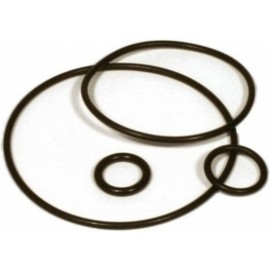
Details
The Aquacomputer VISION Replacement Module For Kryographics Connection Terminal is a replacement part for the VISION connection terminal for kryographics (23664, 23666): the VISION module assembly alone, with its integrated OLED display and USB connection.
Properties
- For
- VISION connection terminal for kryographics (23664, 23666)
- Pieces
- 1 module assembly
- Display
- Integrated OLED
- Interface
- USB, internal header
- Supply
- 5 VDC ±5 %, approx. 50 mA
- Ambient temperature
- 10 to 40 °C (noncondensing)
What it is
The module sold here is the display unit of the terminal, used when the one in a kryographics connection terminal has to be swapped. Aquacomputer describes the VISION module as a multi-purpose display and monitoring controller. The terminal ships with a separate installation manual, and the module goes in following that manual.
As on every OLED display, active pixels lose brightness over time. To spread that wear evenly, the screen can run inverted half of the time, and the inverted mode can be left on permanently to counteract wear that already shows.
What you need to connect it
The module talks to the PC through an internal USB header on your motherboard, usually a 9 pin connector with two independent USB ports. Take special care that the pin alignment matches: the black GND wires go to the side of the missing pin. A spare cable for this is the internal USB connection cable for VISION, 100 cm (53215). The terminal's seal is a separate spare, the O-ring gasket for the kryographics connection terminal (94257).
aquasuite software
The aquasuite software is not required for operation, since every setting can be saved into the device's memory. With this product you receive a license for the current aquasuite version: activation includes an upgrade service for at least the next six (6) months. After it expires, the latest version from the upgrade period stays usable and reinstallable with no time limit. The update service can be extended or renewed for a fee. Please note that an Internet connection is required for installation and activation. Further information about the licensing can be found on Aquacomputer's website.
Notes
- Completely turn off your power supply before connecting or disconnecting any cable.
- Electronic components and headers must not get in contact with coolant or water.
The manual covers the whole VISION series, so some chapters do not apply to this module.