Details
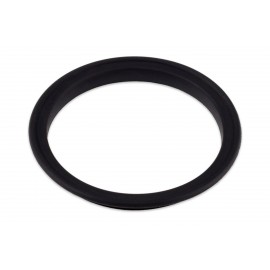
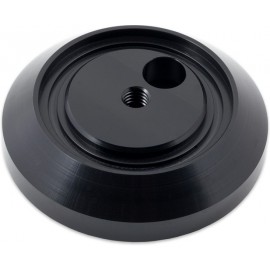
The Aquacomputer Replacement Membrane for LEAKSHIELD (34158) is a spare gas exchange membrane for the LEAKSHIELD leakage protection system, which Aquacomputer calls the air exchange membrane. It is a direct replacement part that snaps into the housing in place of the old membrane.
Properties
- For
- LEAKSHIELD
- Pieces
- One air exchange membrane
- Article
- 34158
Changing the membrane
All it takes is a screwdriver. Pierce the plastic cross below the surface of the old membrane from the side and pry it open. Then push the screwdriver straight down into the membrane as far as it goes and lever the membrane out of the housing. Look into the opening for broken pieces of the old membrane and remove any you find.
Press the new membrane into the housing until you hear it snap into place. Last, lift the protective cover off from the side with the screwdriver, carefully. Never lever it from the center: that damages the new membrane.
What it fits
The membrane belongs to a LEAKSHIELD you already have, such as the LEAKSHIELD standalone (34138), the LEAKSHIELD for ULTITUBE (34137) or the one built into the ULTITUBE D5 150 PRO LEAKSHIELD reservoir (34141).
Aquacomputer's manual for the membrane swap is a two-page German and English PDF with a picture for each step.