Details
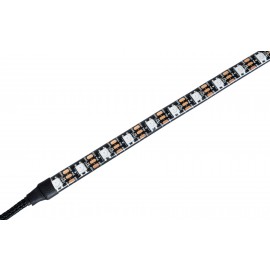
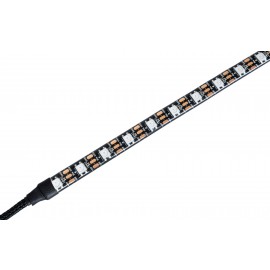
An aRGB LED strip for the MO-RA IV 200 radiator, attached to the lower part of the housing for an indirect lighting effect. The Watercool MO-RA IV 200 Ambient Light aRGB runs on +5 V through a 3-pin connector, and a MO-RA IV Active or Passive Control is required to use it.
Properties
- Compatible
- MO-RA IV 200
- Operating voltage
- +5 V
- Connector
- 3-pin (5VDG, 5V)
- Needs
- MO-RA IV Active or Passive Control
Indirect light under the radiator
The Ambient Light allows you to customize the MO-RA IV. Watercool fits a high-quality LED strip underneath to create the glow on the surface below. Watercool says this not only looks first-class but also enhances the radiator.
The strip is supported by all common motherboard manufacturers. That means Watercool's aRGB solution can be easily integrated into any lighting concept.
Mounting
Take the feet off first. Feed the cable of the LED strip from the outside through the hole in the lower part of the housing. Lead it out at the back and connect it to the Active Control or Passive Control. Pull the protective film off the double-sided adhesive tape on the back of the strip and stick the strip to the bottom part of the housing, as centrally as possible. Then refit the feet.
Options
Watercool's technical data name the MO-RA IV 200 as the compatible radiator; the MO-RA IV 400 has its own Ambient Light aRGB (26440). The matching light for the front of the same radiator is the MO-RA IV 200 Front Logo aRGB (26241). More parts are in our MO-RA IV Accessories category.
In the box
The scope of delivery is the strip alone.
- 1x MO-RA IV Ambient Light aRGB
Watercool's assembly instructions cover the MO-RA IV series, with a page on the ambient LED and the dimensions of each size.